Camera + measure
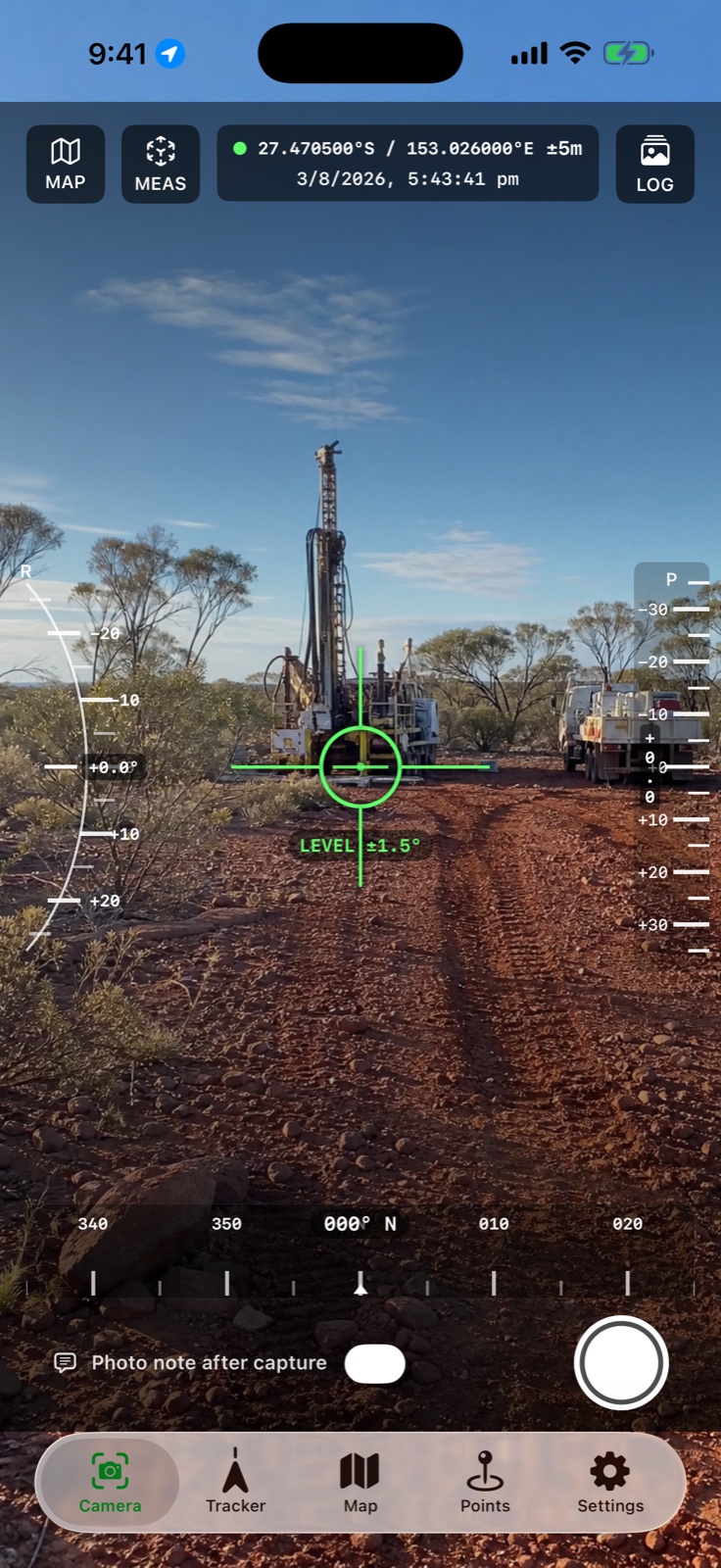
Burn instrument readings into field photographs and open AR measurement from the camera.
Turn your iPhone or iPad into a field camera, tracking instrument and survey companion—built for exploration, drilling, construction and remote-site work.
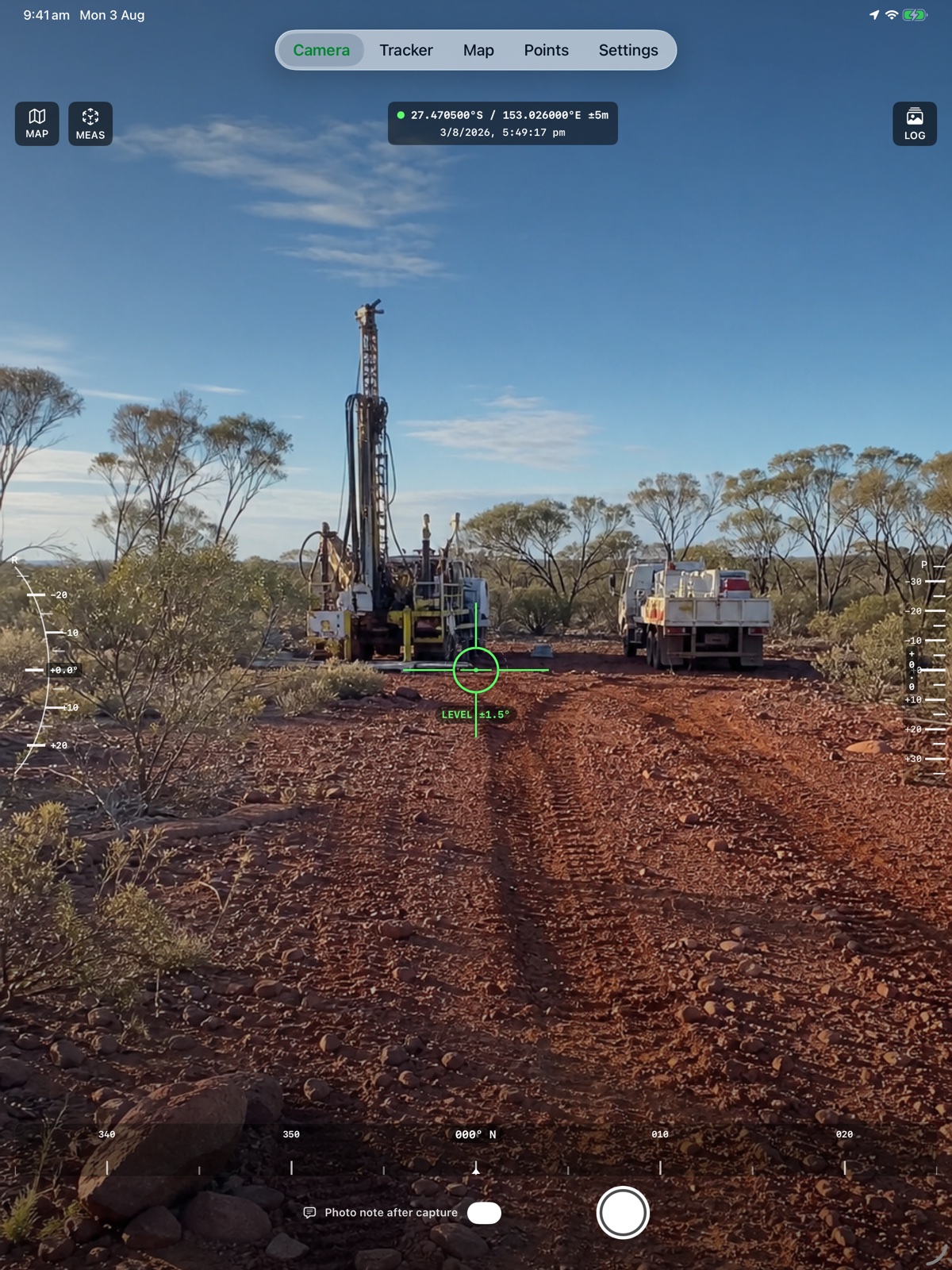
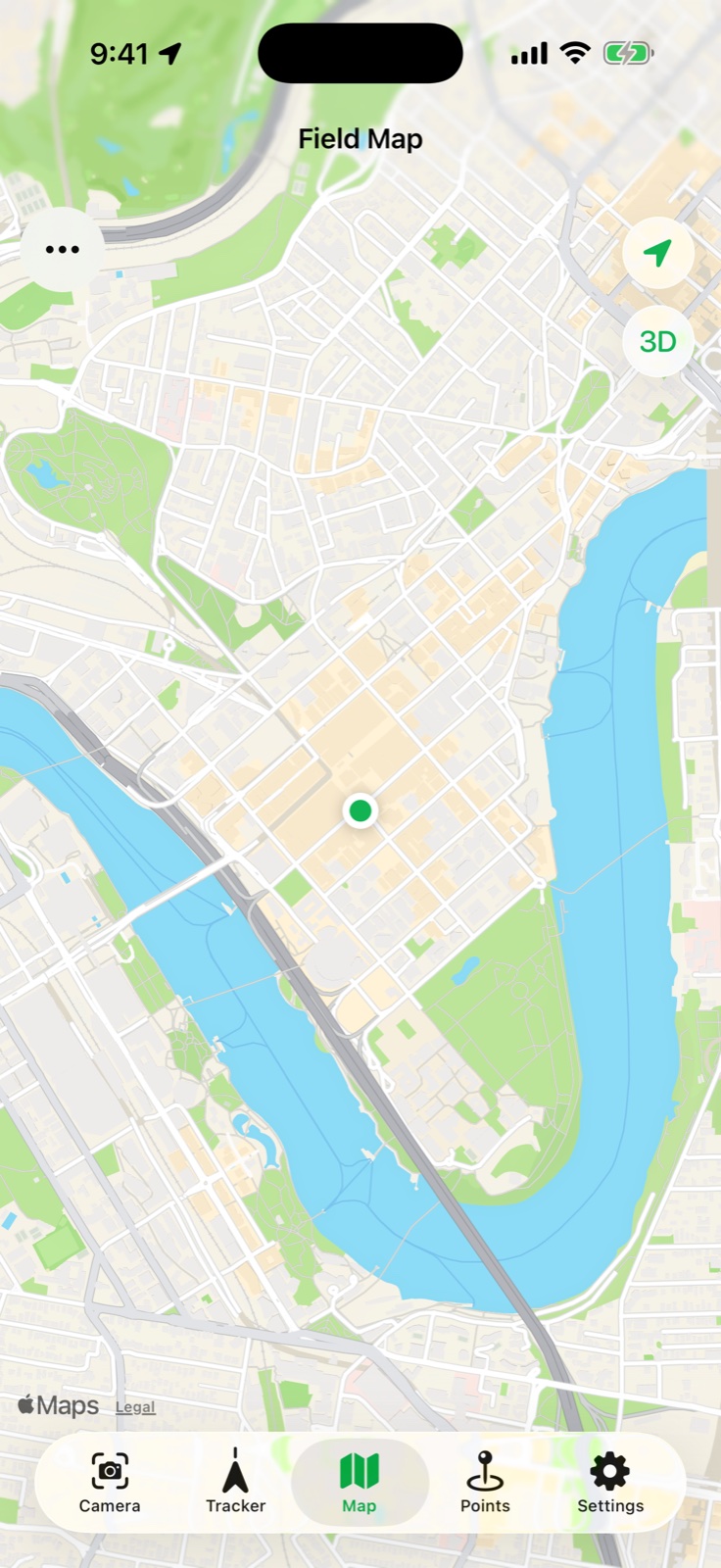
FieldOps brings location, heading, elevation, roll, timestamps and project context together so every field record is useful when the team gets back to the office.
Burn instrument readings into field photographs and open AR measurement from the camera.
Record routes and field movement, then export the data in common spatial formats.
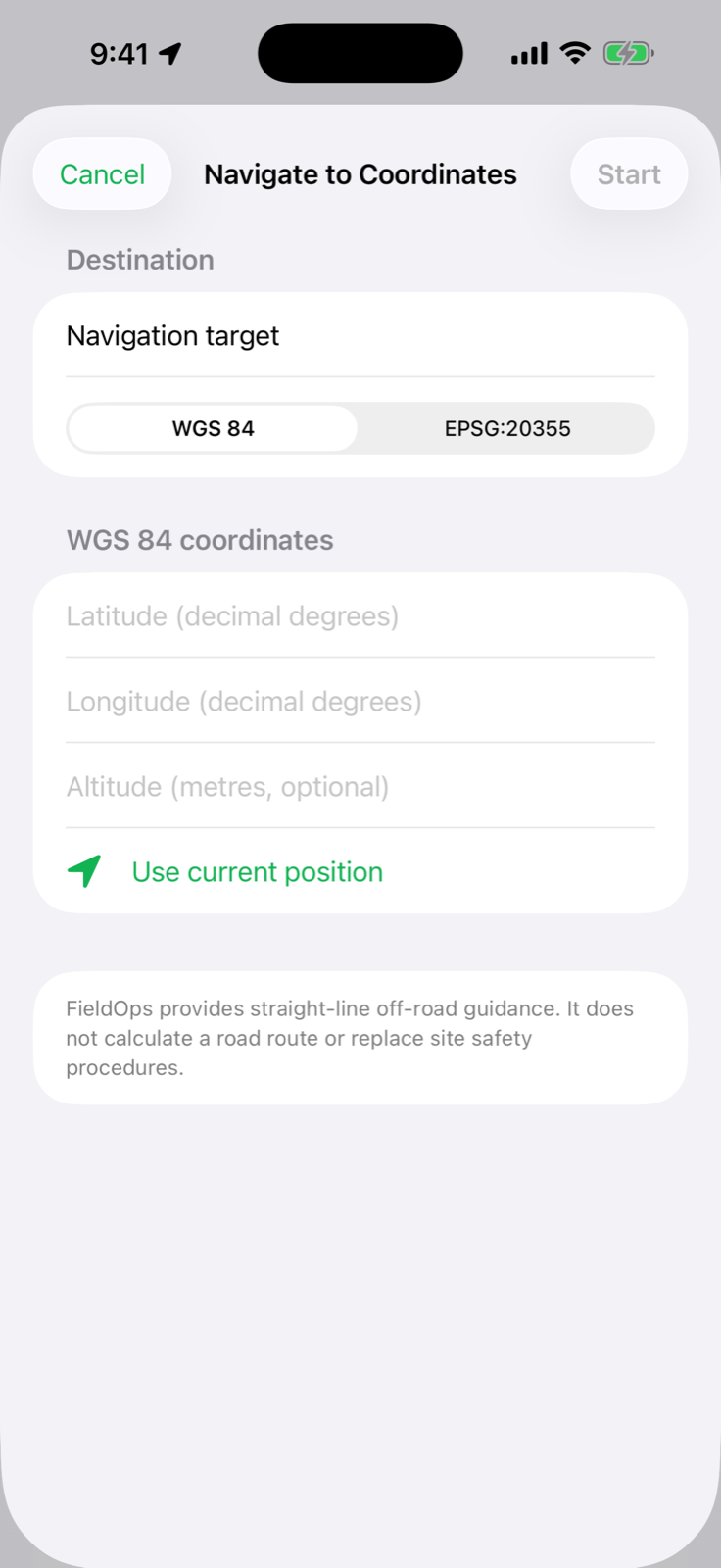
Create or import points and navigate with live distance, bearing and arrival guidance.
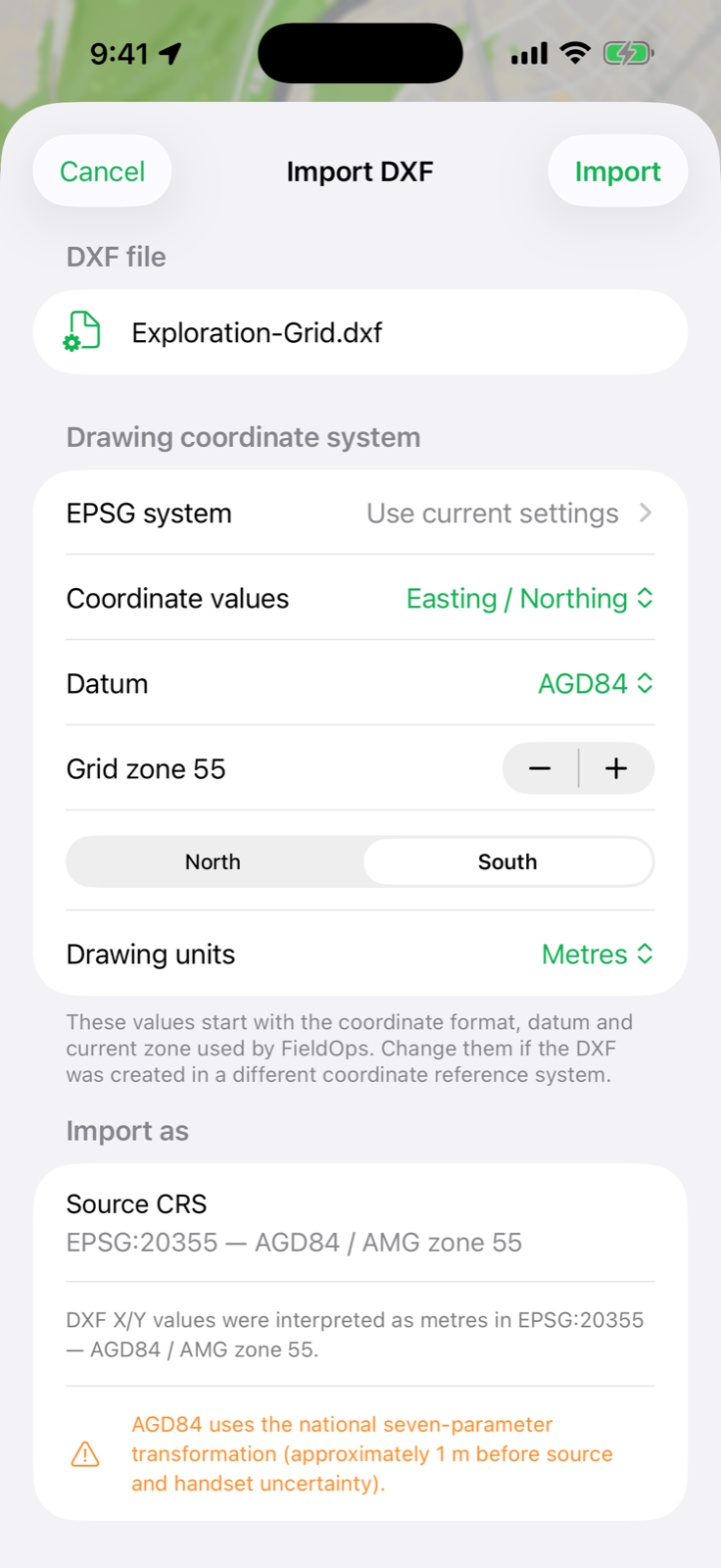
Import ASCII DXF geometry in its source coordinate system and inspect it on the map.
Bring the planned geometry with you, see where you are against it and capture a location-stamped record at the point of work.
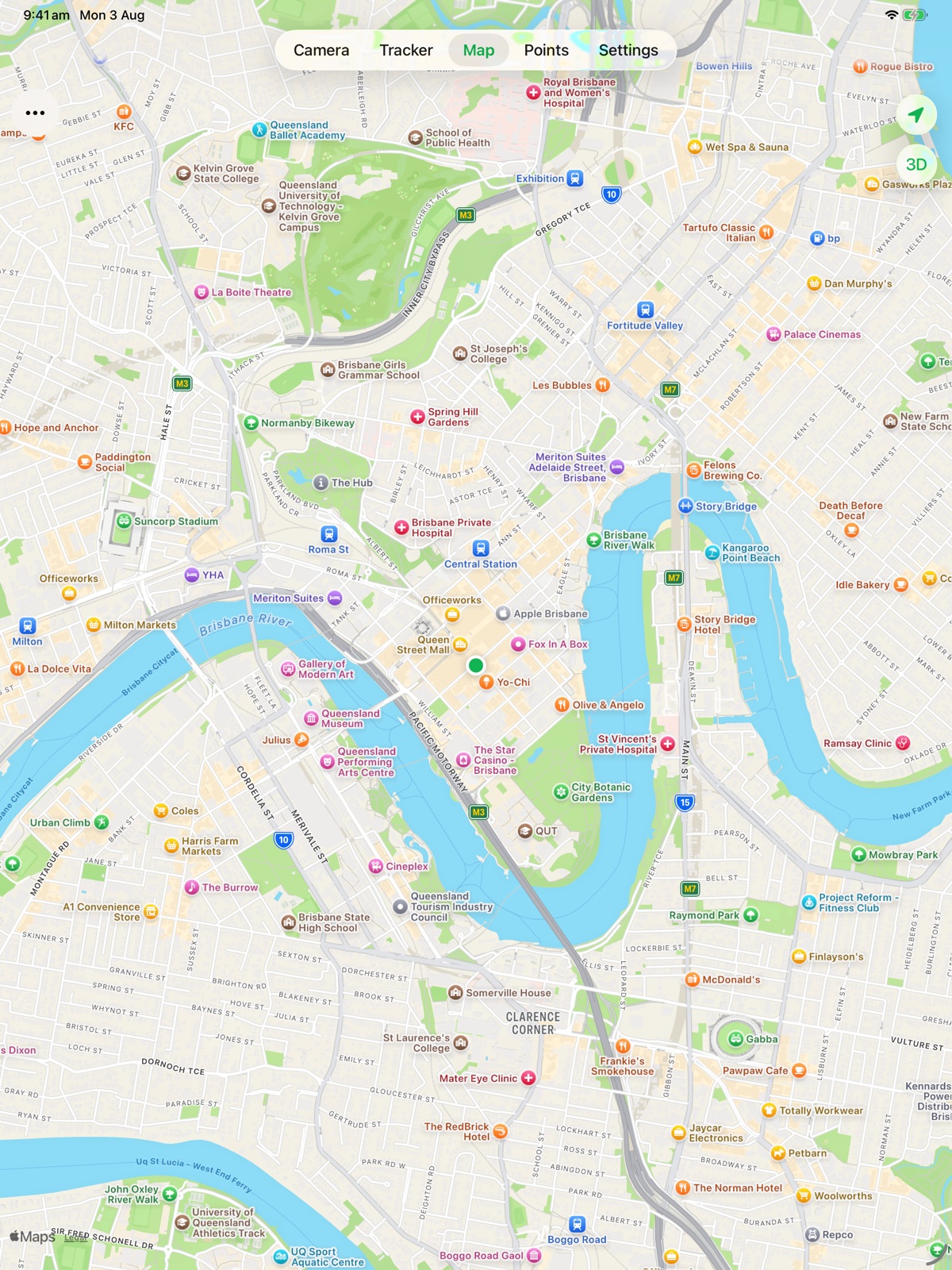
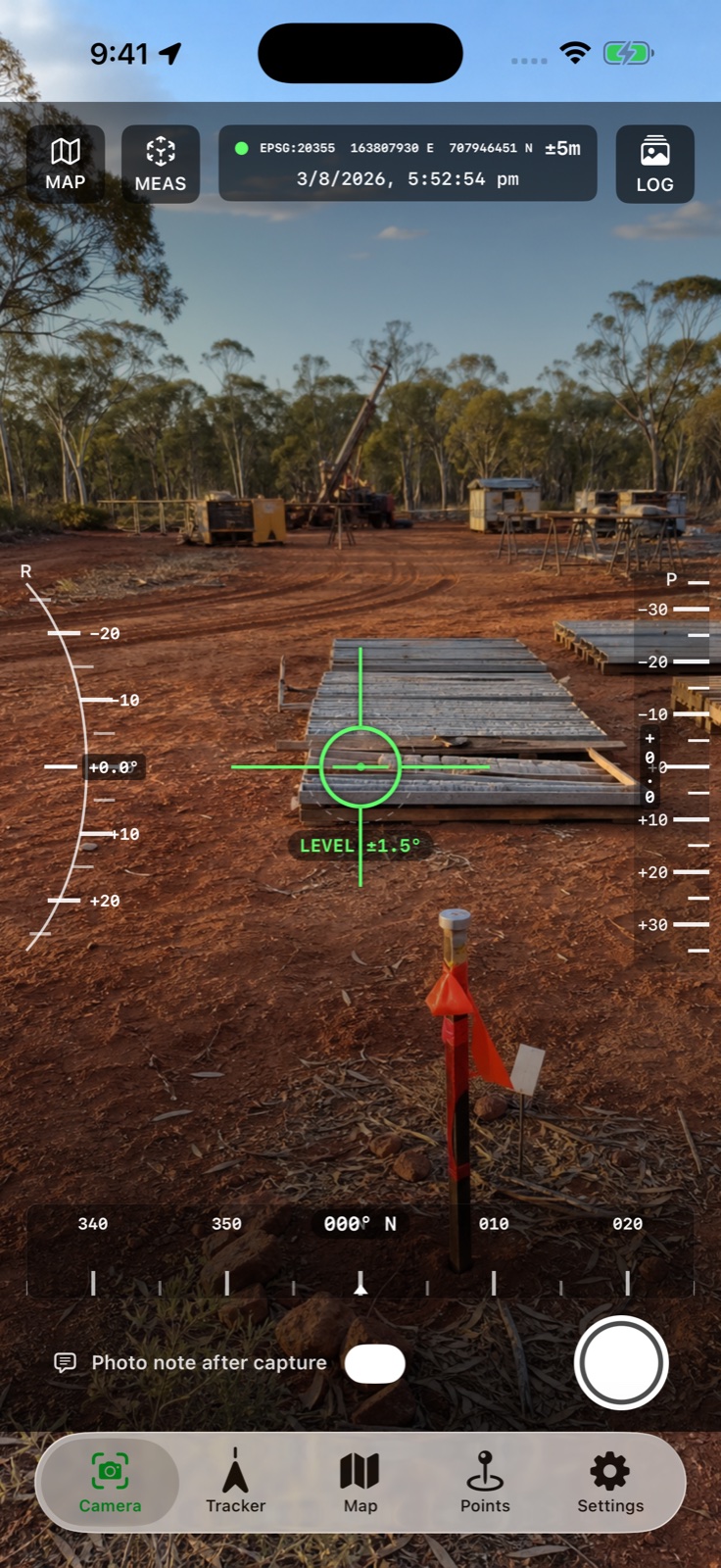
Each view stays clear at a glance, whether you are lining up a photo, checking a drawing or documenting an observation.
Read heading, pitch, roll, elevation and accuracy in one high-contrast display.
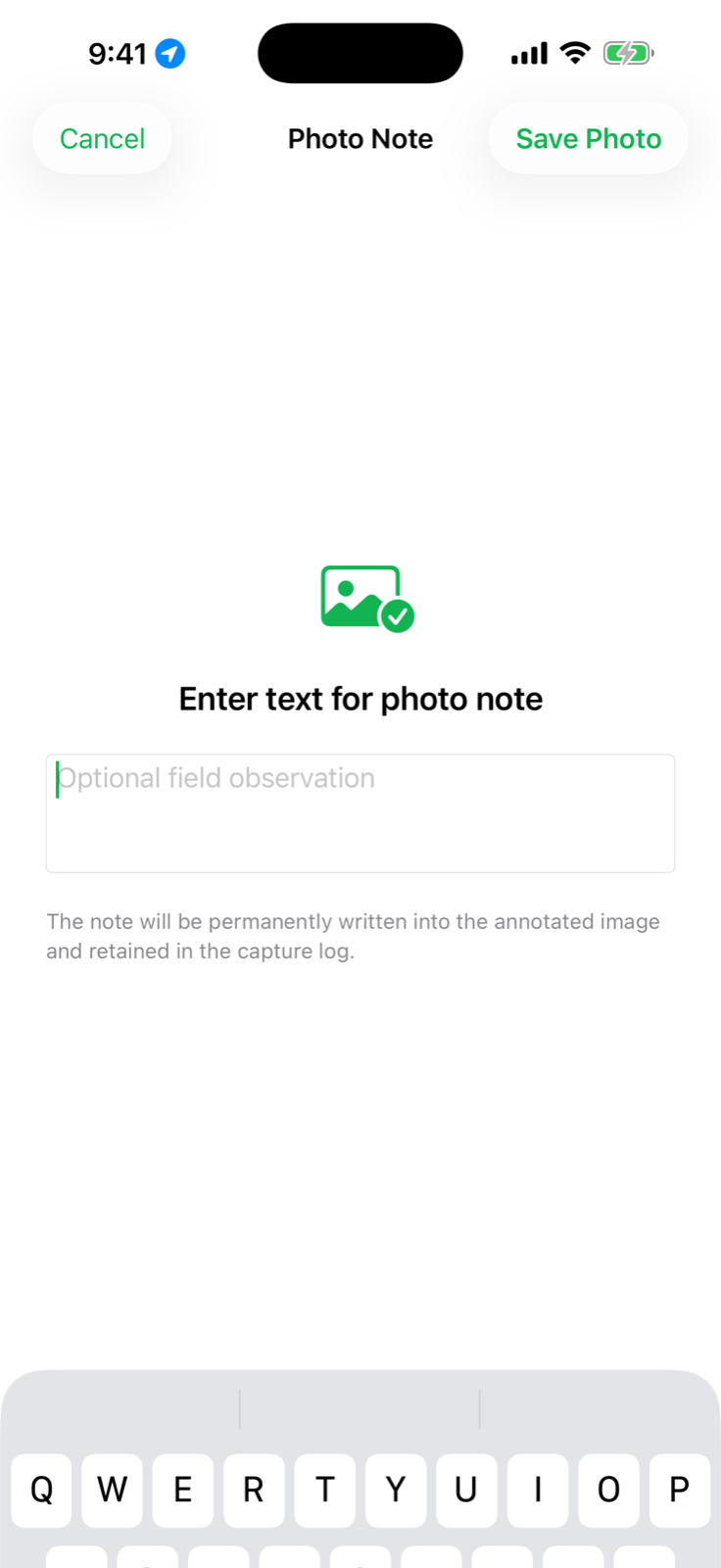
Capture a field photo and add a note so the image keeps its operational context.
Choose the drawing datum, coordinate type, zone, hemisphere and units at import.
Import a single-band LiDAR DTM GeoTIFF or COG and turn the original elevation cells into hillshade, an interactive 3D surface, contours and measured A–B profiles—entirely on the device.
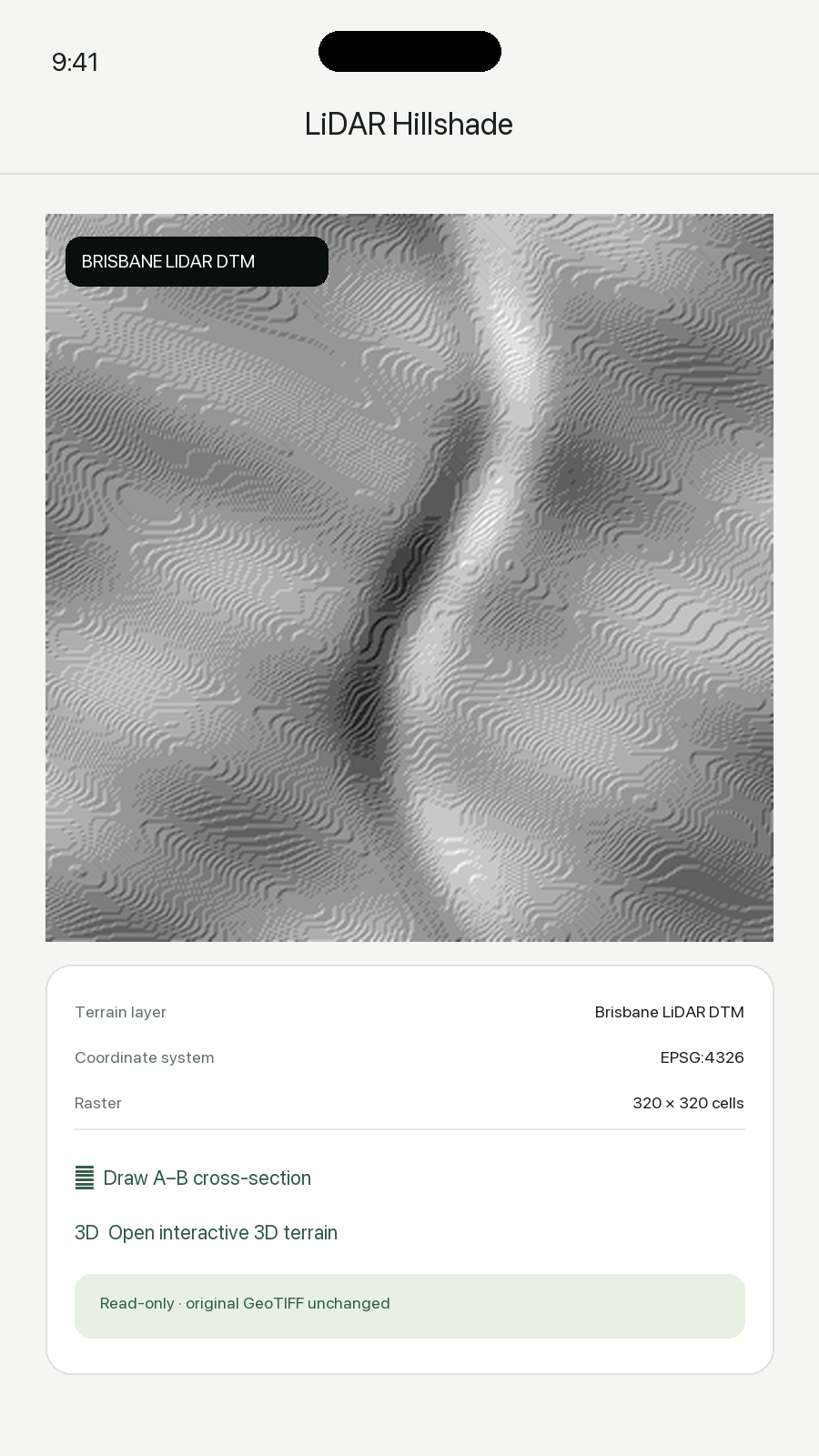
FieldOps derives a shaded-relief preview from the imported elevation grid, keeps it georeferenced and places it in the same field mapping workflow as waypoints and drawings.
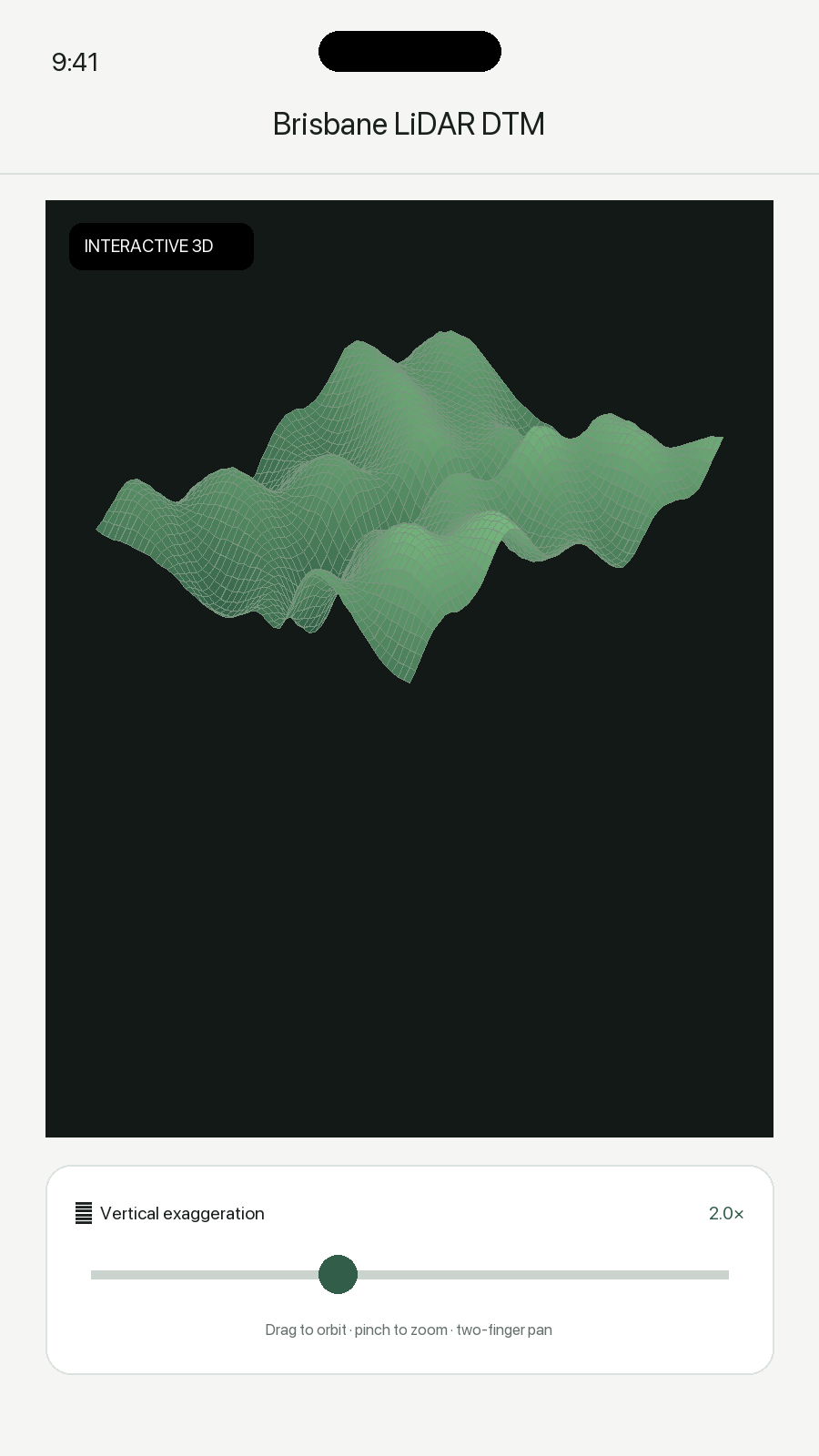
Drag to orbit, pinch to zoom and pan across a mesh built from the selected DTM. Adjust vertical exaggeration from 0.5× to 8× to expose subtle landform changes.
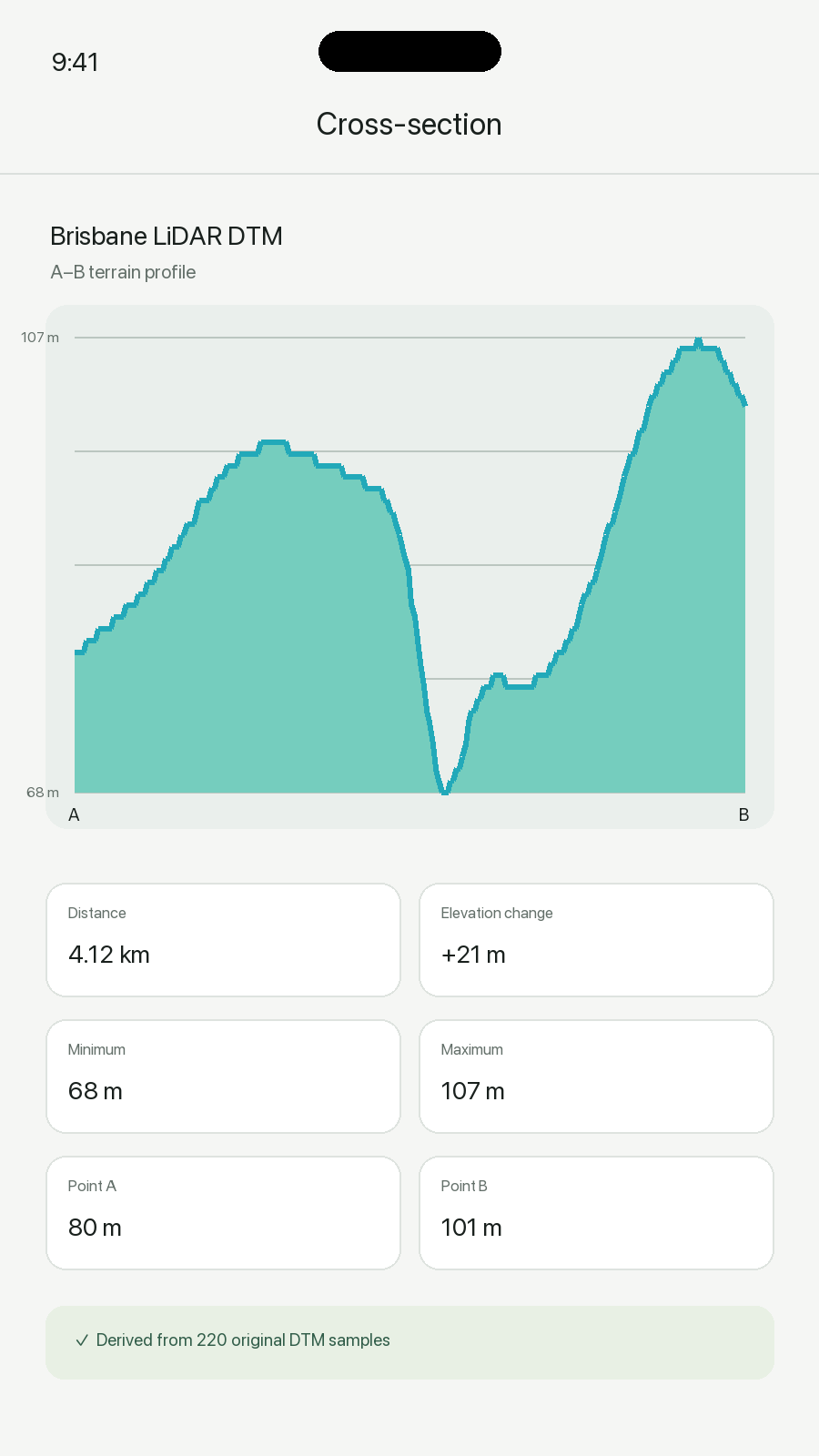
Tap point A and point B to sample the original cells between them. Review distance, elevation change, minimum, maximum and both endpoint elevations.
The terrain suite joins the existing camera, tracking, navigation and drawing workflows in the current FieldOps experience.
FieldOps is now available on the App Store for iPhone and iPad. One-time purchase. No subscription or account required. See the App Store for pricing in your region.
Download on the App StoreNeed help? Visit FieldOps Support.